Almutawir Desktop is built for groceries, retail shops, restaurants and cafes: fast cashier, ZATCA e-invoicing, XML archive, a tables system, and an AI assistant that answers about your sales and stock, runs tasks and enters purchase invoices from a picture. One-time purchase.

Ask it in your language like your private accountant: how much did we sell today? what is low in stock? where is that customer's invoice? Give it tasks, or send it a supplier invoice as a picture or PDF and it reads it, matches it and prepares the entry. Peace of mind and hours saved every day.
No need to open five screens for one number. Type your question and the answer comes straight from your store's database.
A 30-line supplier invoice needs no typing: one picture, then review and confirm.
It never changes anything without your confirmation, logs its activity and respects the limits you set.
Set daily and monthly question limits and watch the usage counter, so costs never surprise you.
It goes from your computer straight to your own OpenAI account, and the key is stored encrypted on your machine.
Turn it on or off in Settings any time; selling, invoicing and ZATCA are unaffected.
Create an account at platform.openai.com, add credit, and set a monthly spending limit on your key.
Settings → AI Assistant → paste the API key → Test connection. It lists the models your account can use.
Read and accept the privacy notice, turn the assistant on, and start asking from the "AI Assistant" screen.
Please read before turning it on. The app shows an explicit consent to these terms before the assistant is enabled.
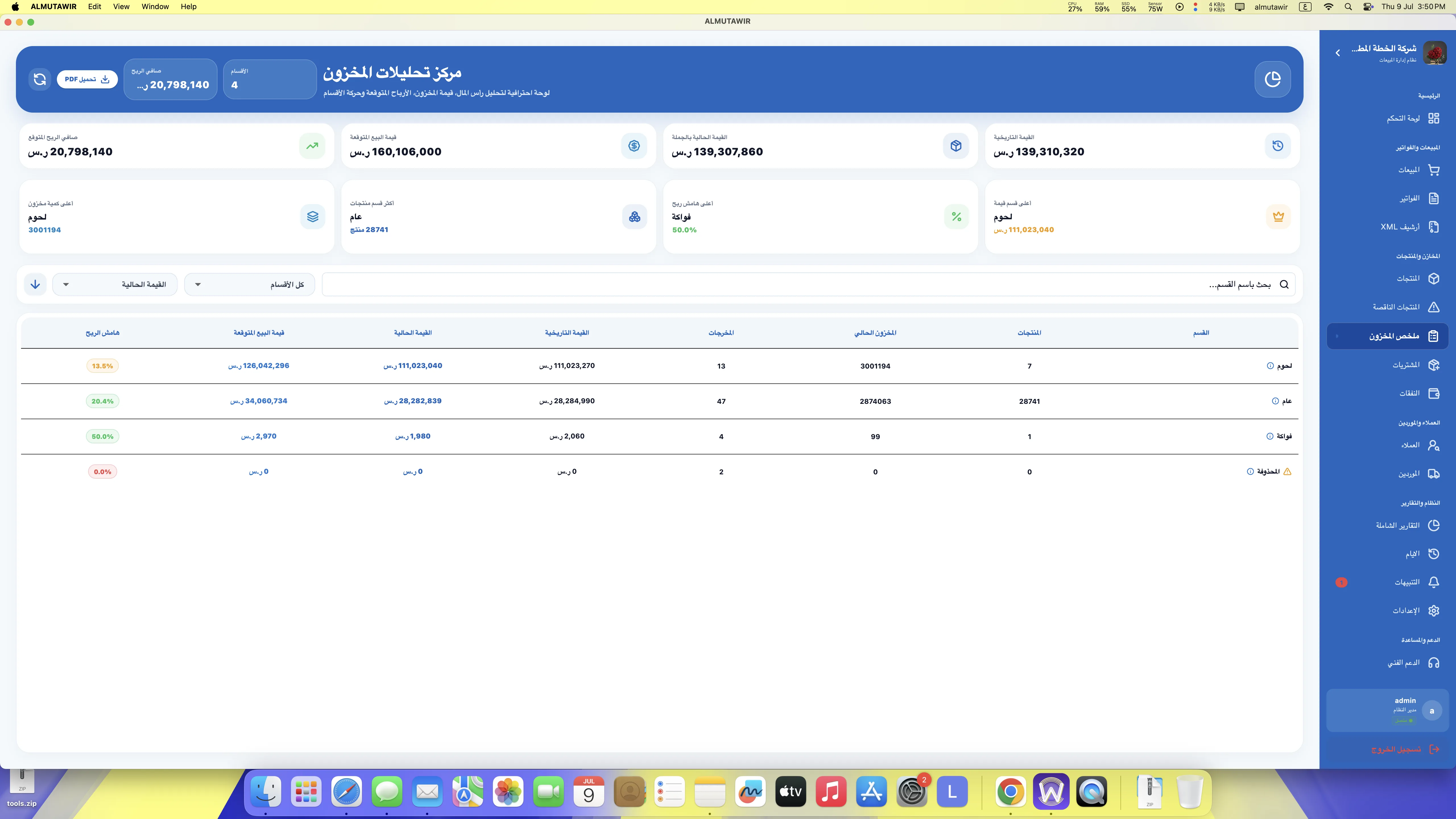
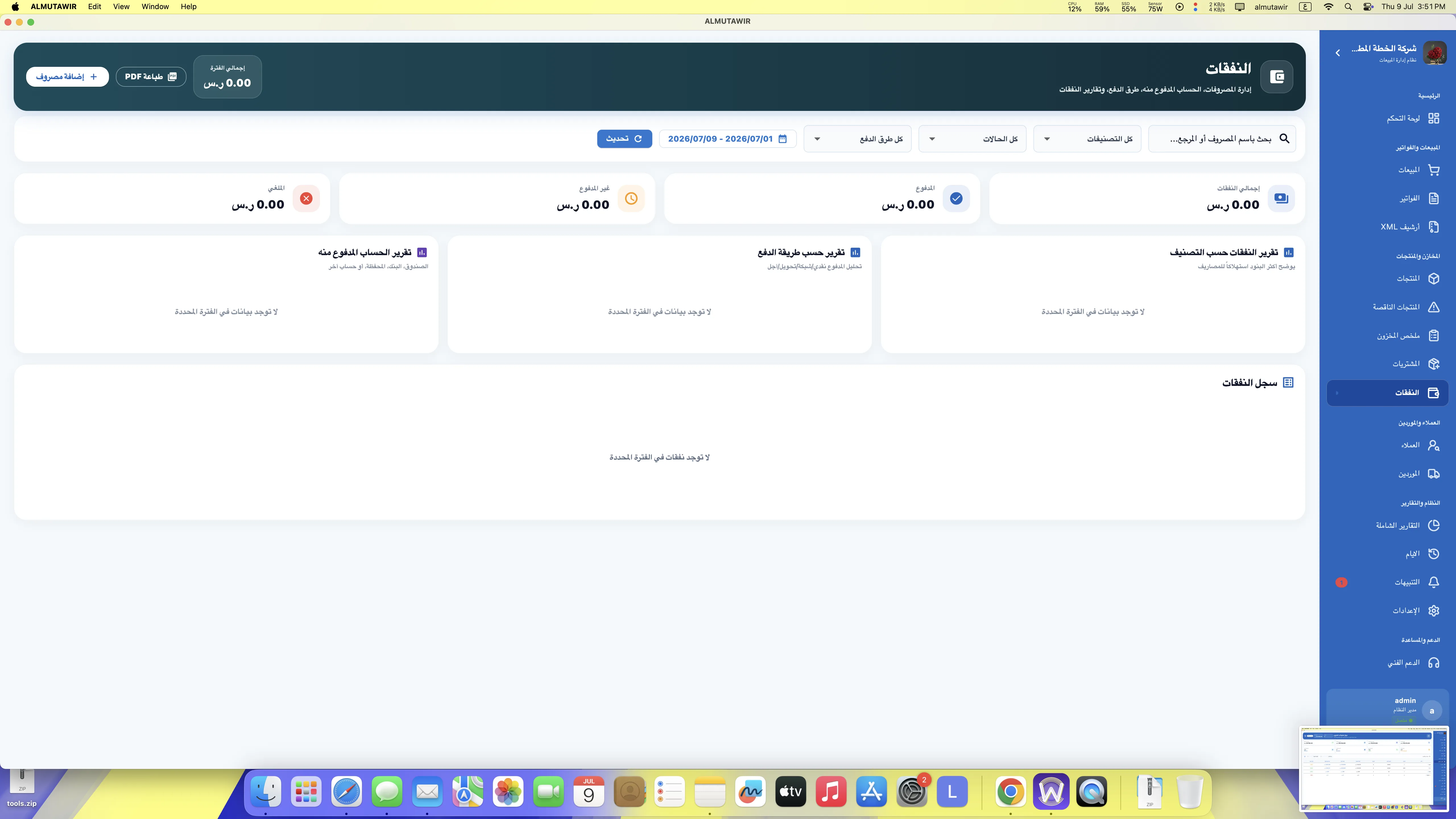
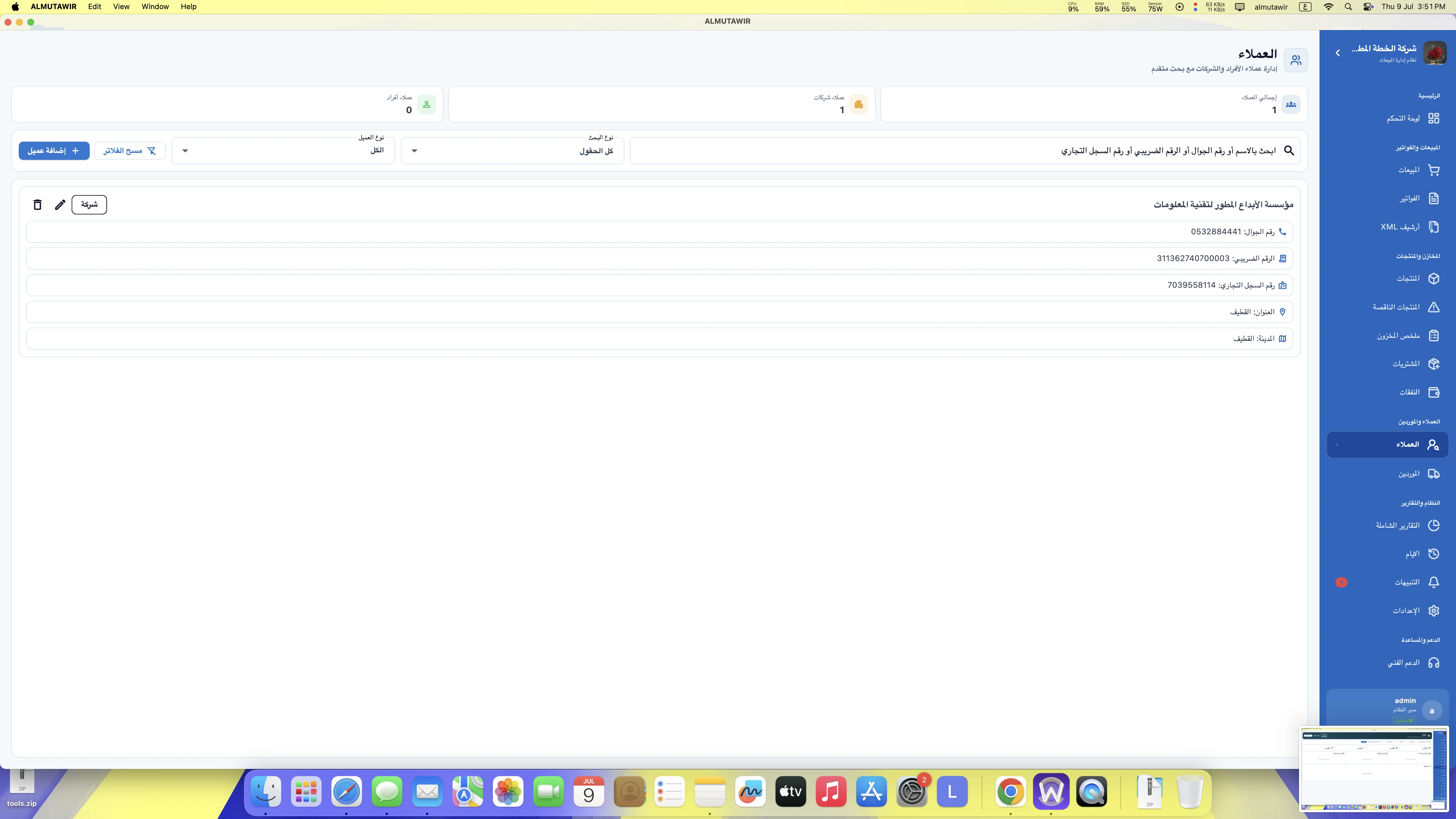
Not just a cashier: a complete system for selling, invoicing, stock, purchasing, accounts and reports, running on your own computer with no annual subscription.
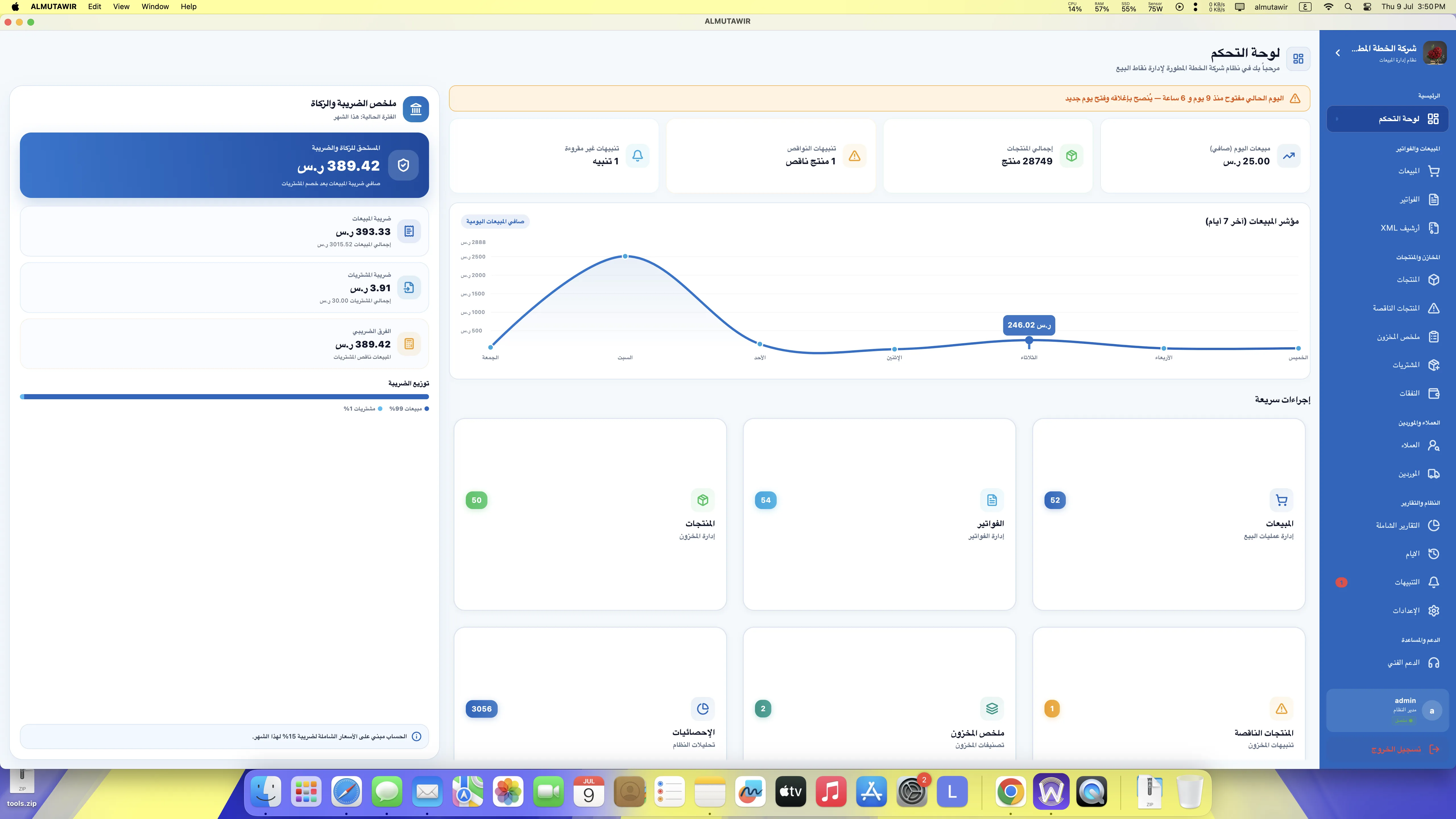
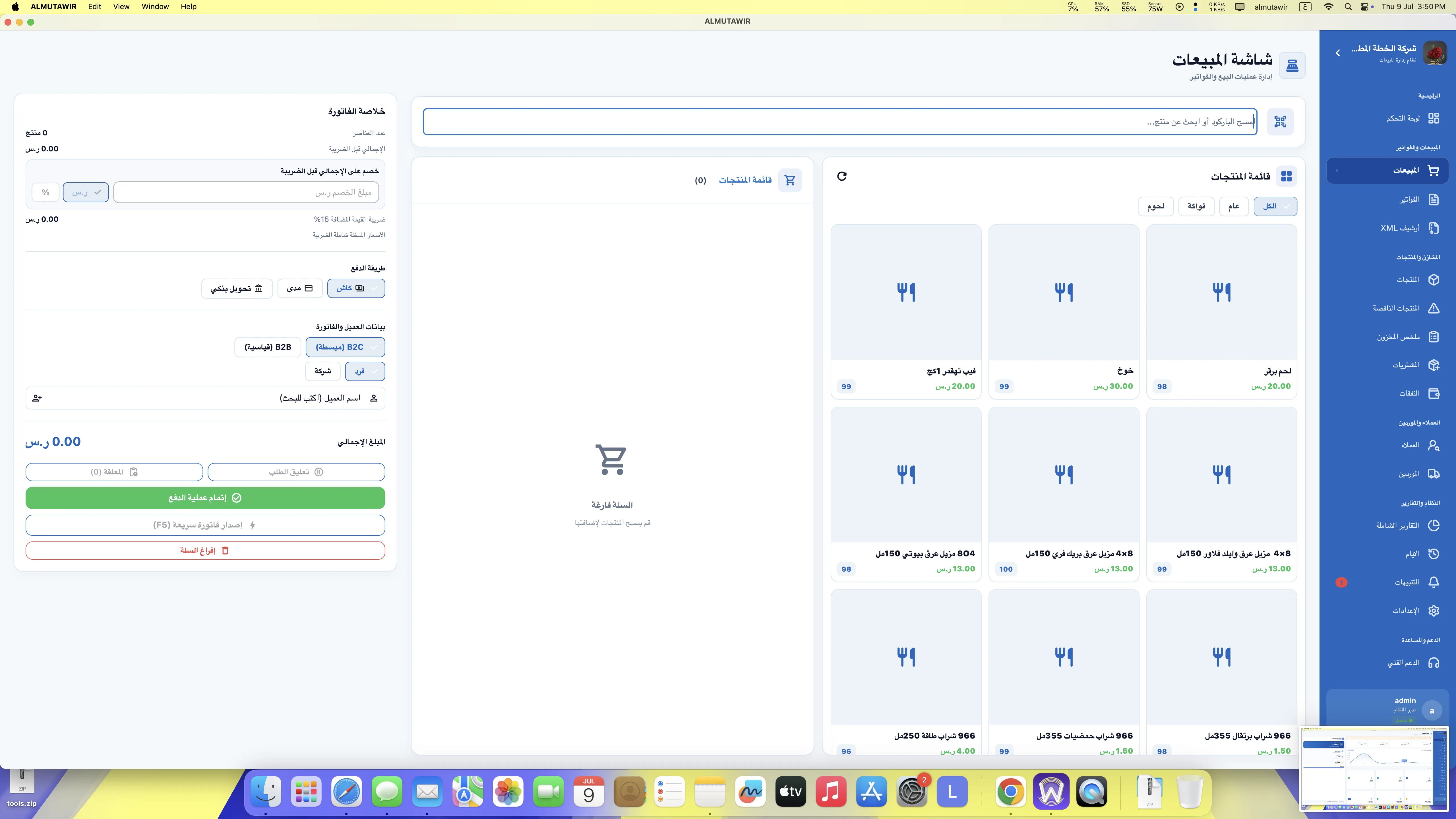
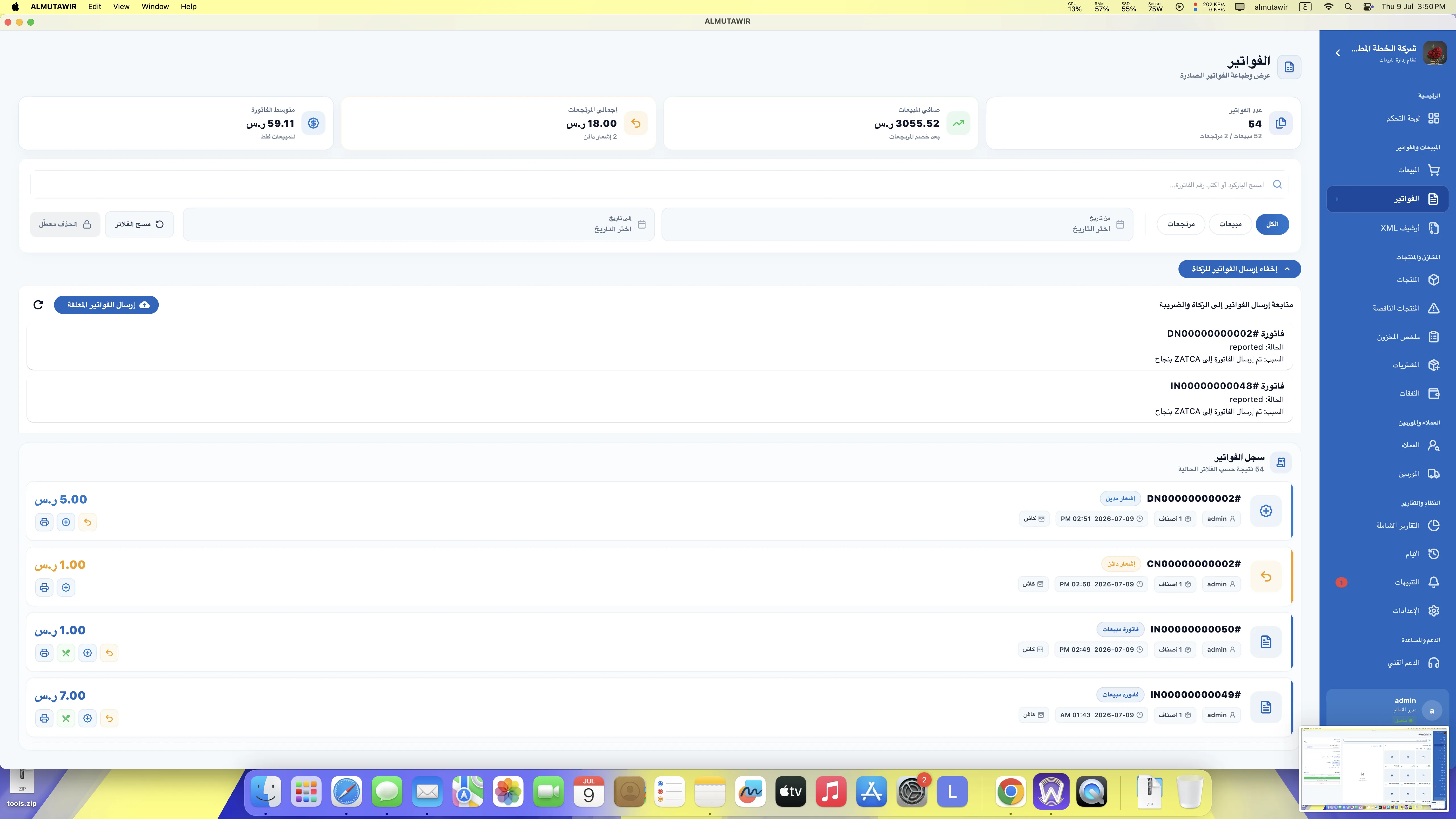
In this video, you can see a practical tour inside Almutawir Desktop POS, including the sales screen, products, invoices, printing settings, XML archive focus, and backup protection.
A desktop POS system for business owners who want a local software on their own computer without annual subscription.
No annual subscription. No recurring monthly payment. Pay once and use the desktop software on your computer.
Designed for Windows POS computers, cashier counters, barcode scanners, and thermal printers.
Available for macOS users who want a professional POS system on Apple computers.
For groceries and minimarkets, a product database with more than 28,000 products can be imported with an agreed setup fee.
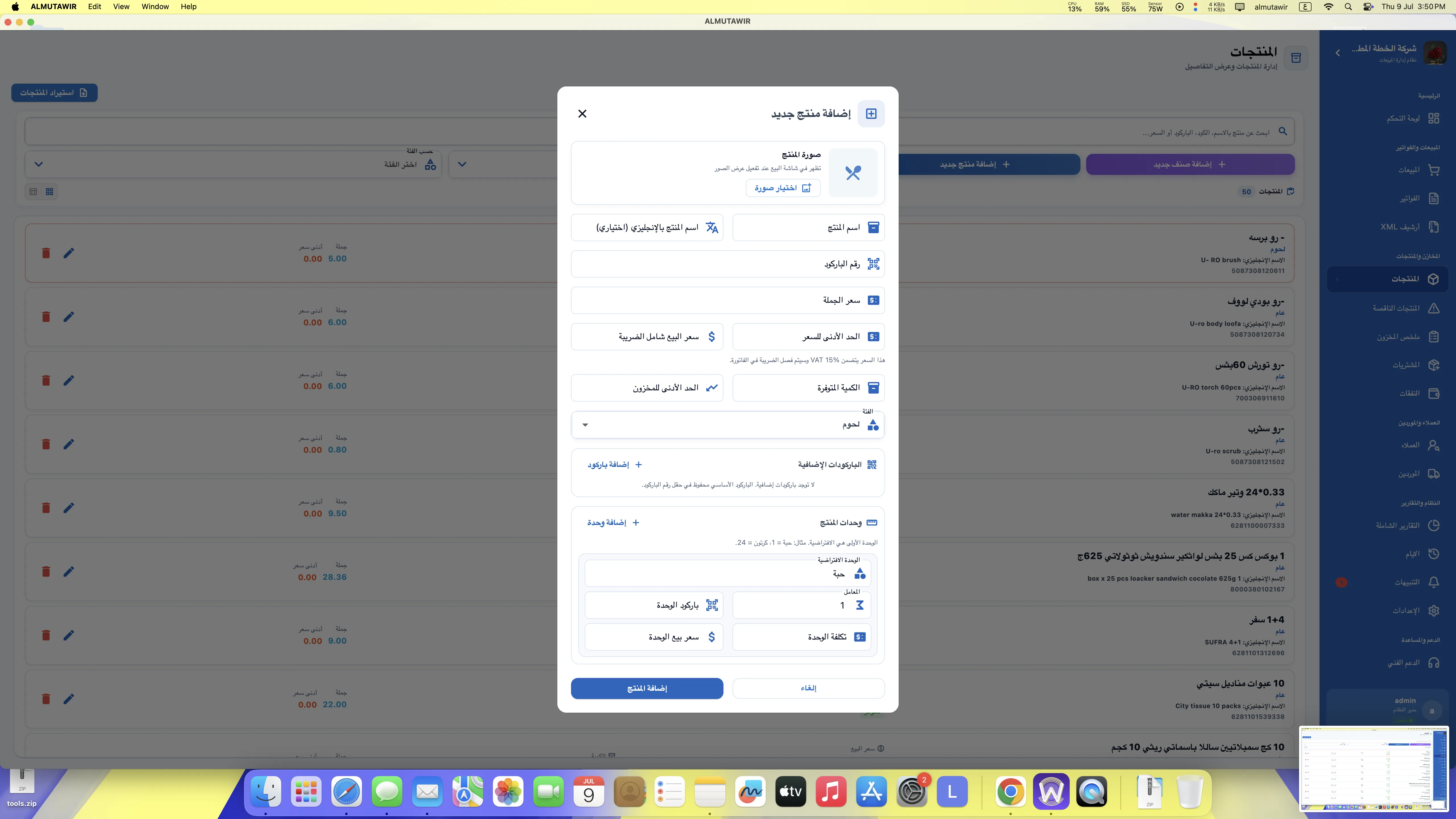
Barcode sales, product management, inventory, discounts, payment methods, and thermal receipt printing.
Backup is critical. What if the hard disk fails, the computer is formatted, stolen, or damaged?
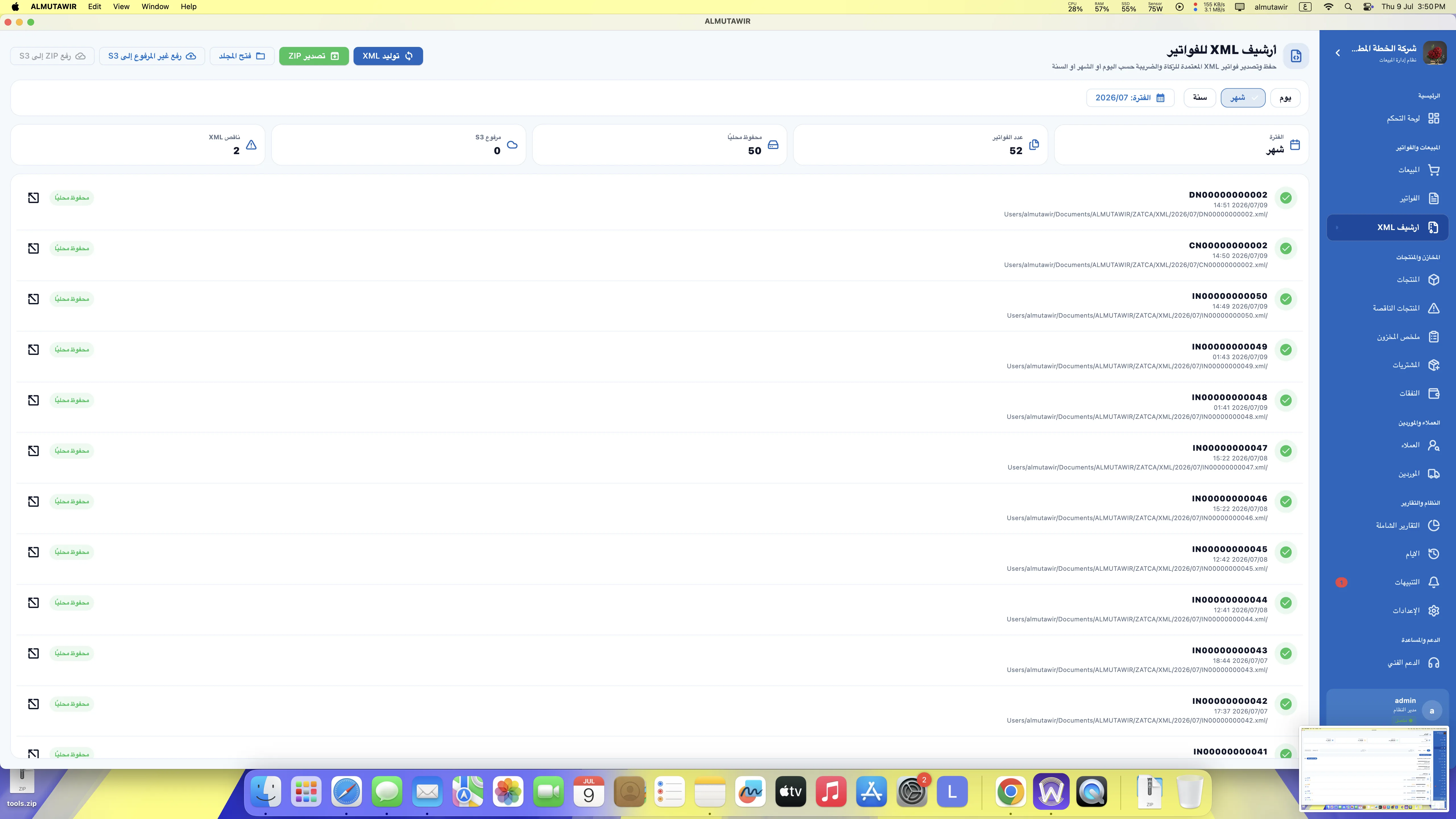
Many desktop POS systems only print invoices or save PDF files. But for e-invoicing readiness, XML invoice files are extremely important. If ZATCA asks for old XML invoice files after one or two years, will your current system have them?
Ask About XML ArchivePaper invoices are not enough for technical e-invoicing records. XML files and organized backups protect your business from future problems.
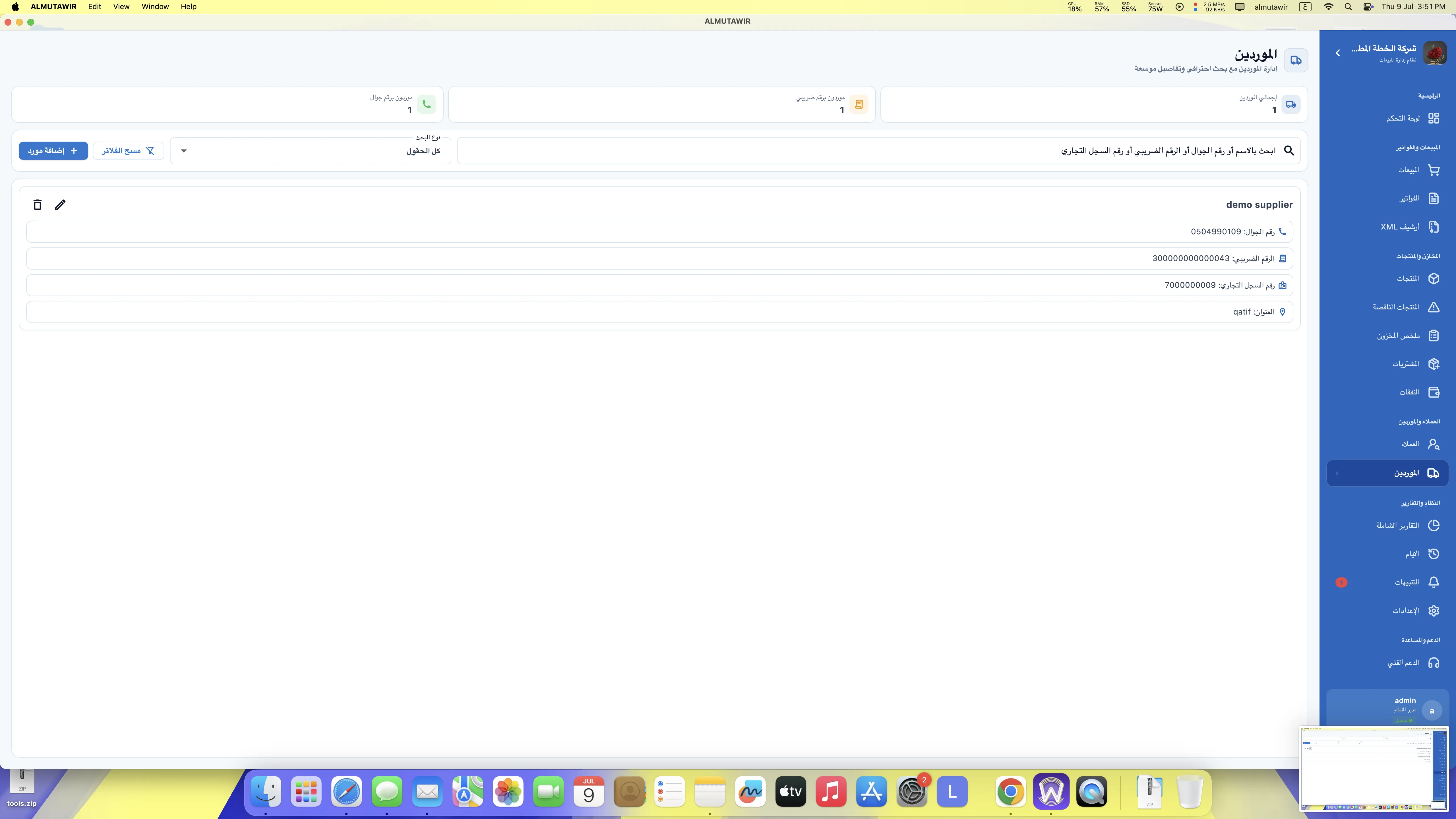
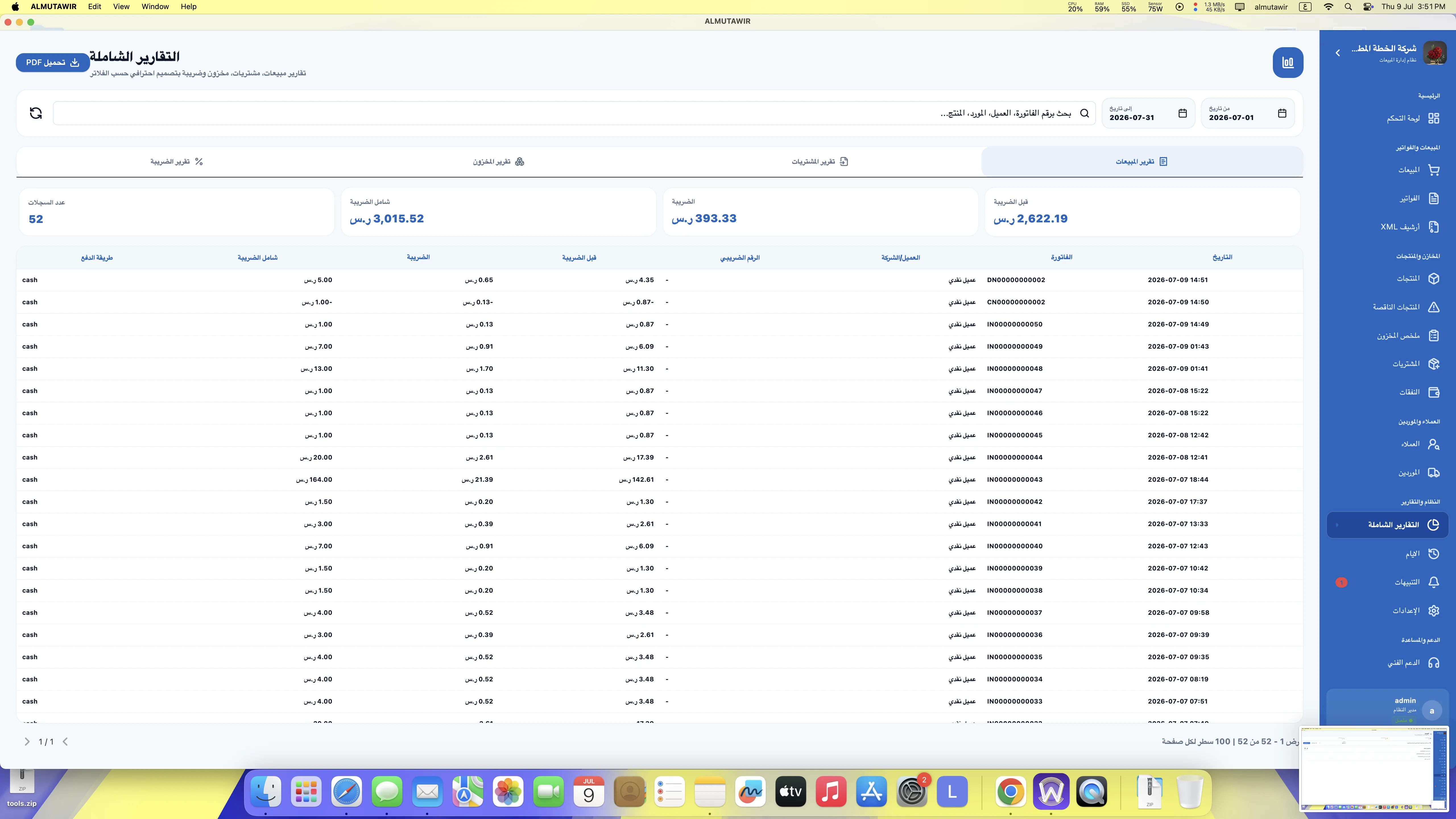
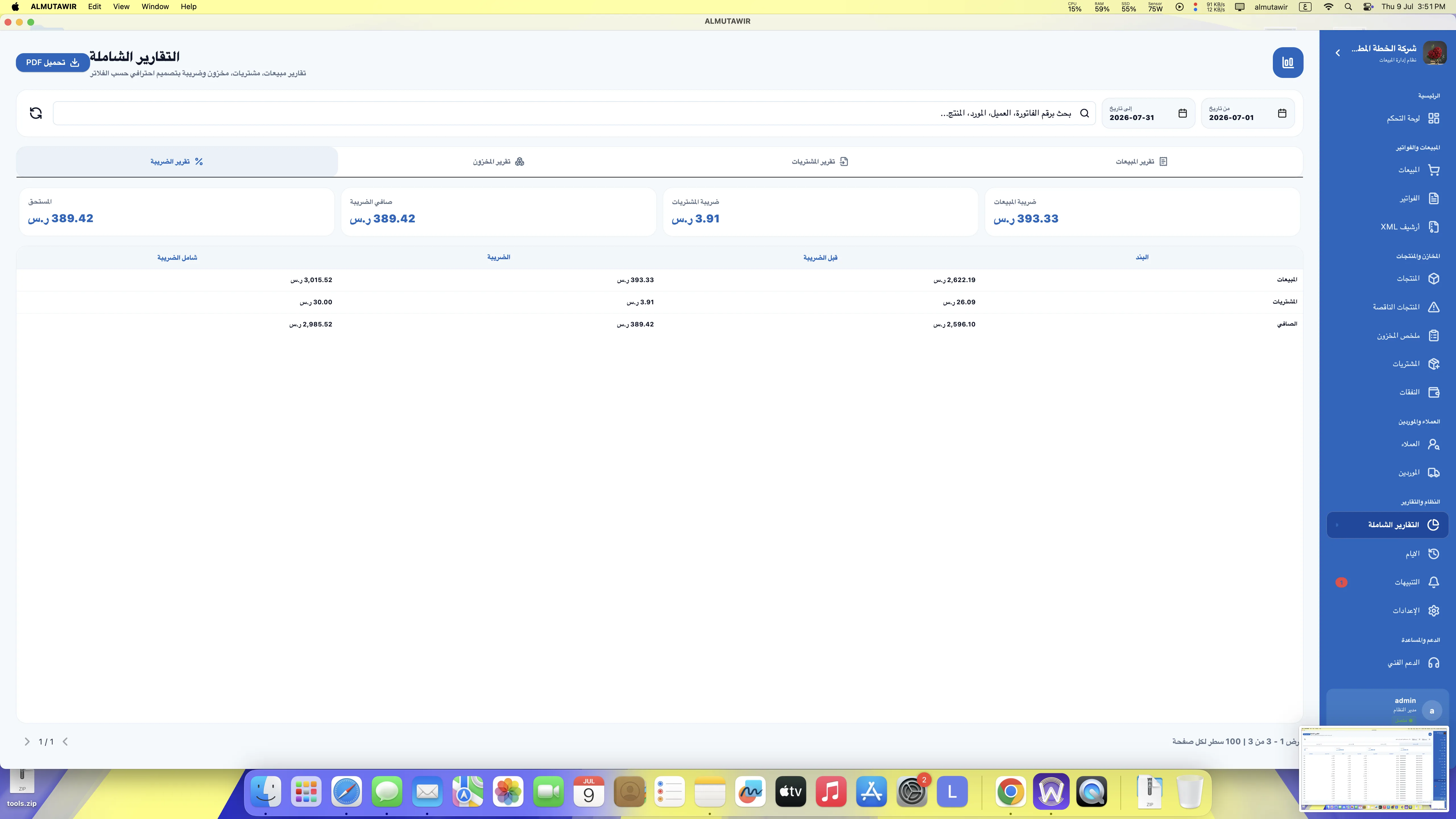
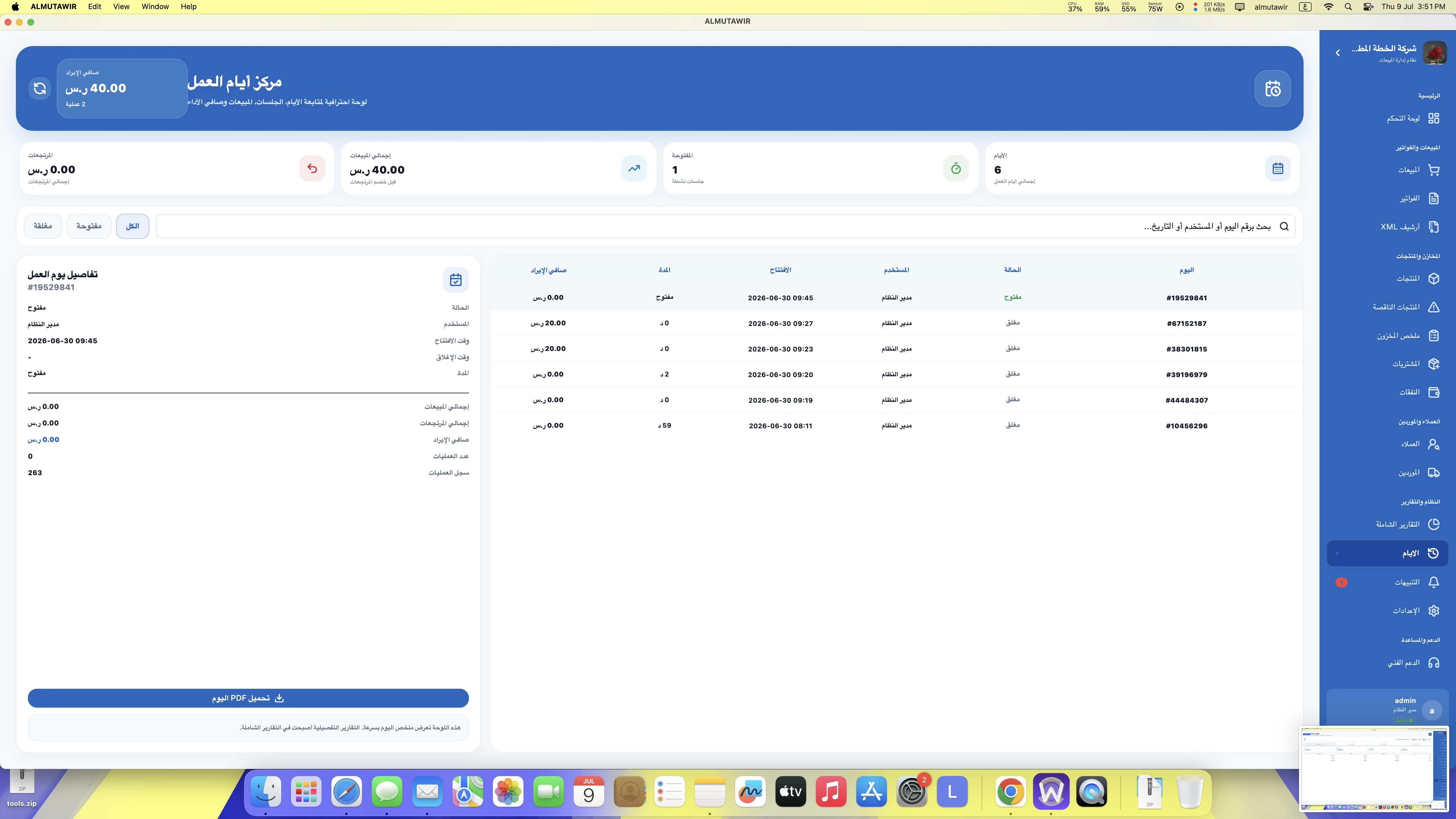
Screenshots from Almutawir Desktop POS.


Pay once and use it with no yearly subscription. All prices include VAT.
Includes the first year of updates, then it keeps working at no cost. Renewing updates is optional (SAR 300 per year).
We install the software, set up e-invoicing and walk you through it.
Extra devices get a special price. Ask about the offer.
Optional from year two: version updates and ZATCA changes.
This is a desktop software for Windows and macOS. It is separate from the cloud system.
Desktop POS and e-invoicing software.
0501031388
0532884441
This page is for the desktop version only. It is not the cloud ERP system. It is installed on your Windows or macOS computer and sold as a one-time purchase.